Mobile Printing Guide: On-the-Go Coding for Farmer's Markets & Warehouses
Mobile printing matters because not every product gets coded at a fixed station. At a farmer's market, you're packing berries at a folding table. In a small warehouse, you're labeling boxes on the floor, on a pallet, or in a corner where a fixed printer can't reach.
There's also a compliance angle. FSMA 204 requires businesses handling foods on the Food Traceability List to assign Traceability Lot Codes (TLCs) and keep records that can be shared within 24 hours. For small producers, that sounds overwhelming. But a handheld printer lets you print the required lot code directly on the package, right where you're working.
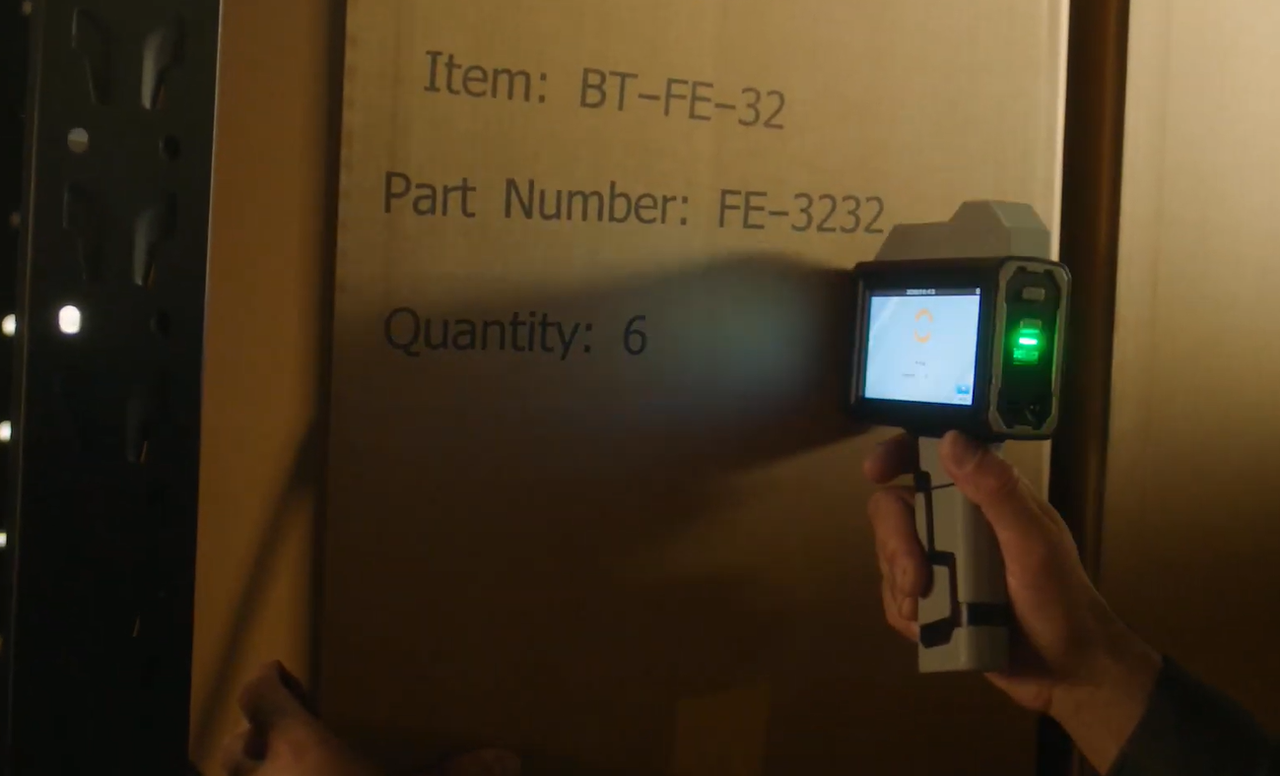
Why Mobile Thermal Inkjet (TIJ) Printing Matters in 2026
Mobile TIJ printing matters because it puts the printer in your hand, not on a fixed line. You can code a clamshell of berries at the market stall, then mark a shipping box in the back room an hour later. No walking to a central station. No waiting for a label to print. No pre-printed packaging that becomes waste when the date changes.
For small operations, this flexibility is the difference between coding on time and skipping it because the process is too inconvenient.
A handheld TIJ printer is a battery-powered device that uses heat to eject tiny ink droplets onto a surface. It has a touchscreen for entering data, a slot for an ink cartridge, and a handle you slide across the product to print. Bentsai's portable handheld inkjet printers weigh as little as 450g and run for 8+ hours on a charge, making them practical for all-day use at a market or in a warehouse.
Step-by-Step Guide: Setting Up Mobile Printing at Farmer's Markets
Step 1: Select Packaging Substrates & Compatible Ink Formulations
Farmers markets use a mix of materials. Berry clamshells are clear plastic (non-porous). Paper bags and cardboard berry boxes are porous. You need the right ink for each.
Water-based ink for cardboard, paper, and wood. Solvent-based fast-dry ink for plastic clamshells, containers, and film. If you're printing on both, choose a printer that supports both ink types—like the Bentsai B35 or Bentsai B85.
Step 2: Set Lot Codes & Compliance Templates
Before market day, decide what your lot code needs to say. At minimum: a date code and a batch identifier. If you're subject to FSMA 204, your TLC needs to link back to where the food was packed.
Create a template on the printer's touchscreen or load it from a USB file. Save it so you don't have to re-enter it every time.
Step 3: Calibrate Print Height & Execute Direct-on-Package Coding
Set the print height to fit your package. For a clamshell lid, a small date code at 12.7mm (0.5 inch) is usually enough. For a cardboard box, you might want 25.4mm (1 inch) or larger.
Keep the printhead 2–5mm from the surface. Slide the printer steadily across the package. The B35 adapts to your speed—fast or slow, the print looks the same.
Step 4: Test drying time on-site & Store Ink Cartridges Properly
Before you print every package, test one. Press a finger on the code after a few seconds. If it smudges, adjust your speed or check the ink type.
Store cartridges with the protective cap on when not in use. If you're printing intermittently throughout the day, cap the cartridge between sessions to prevent the nozzle from drying out.
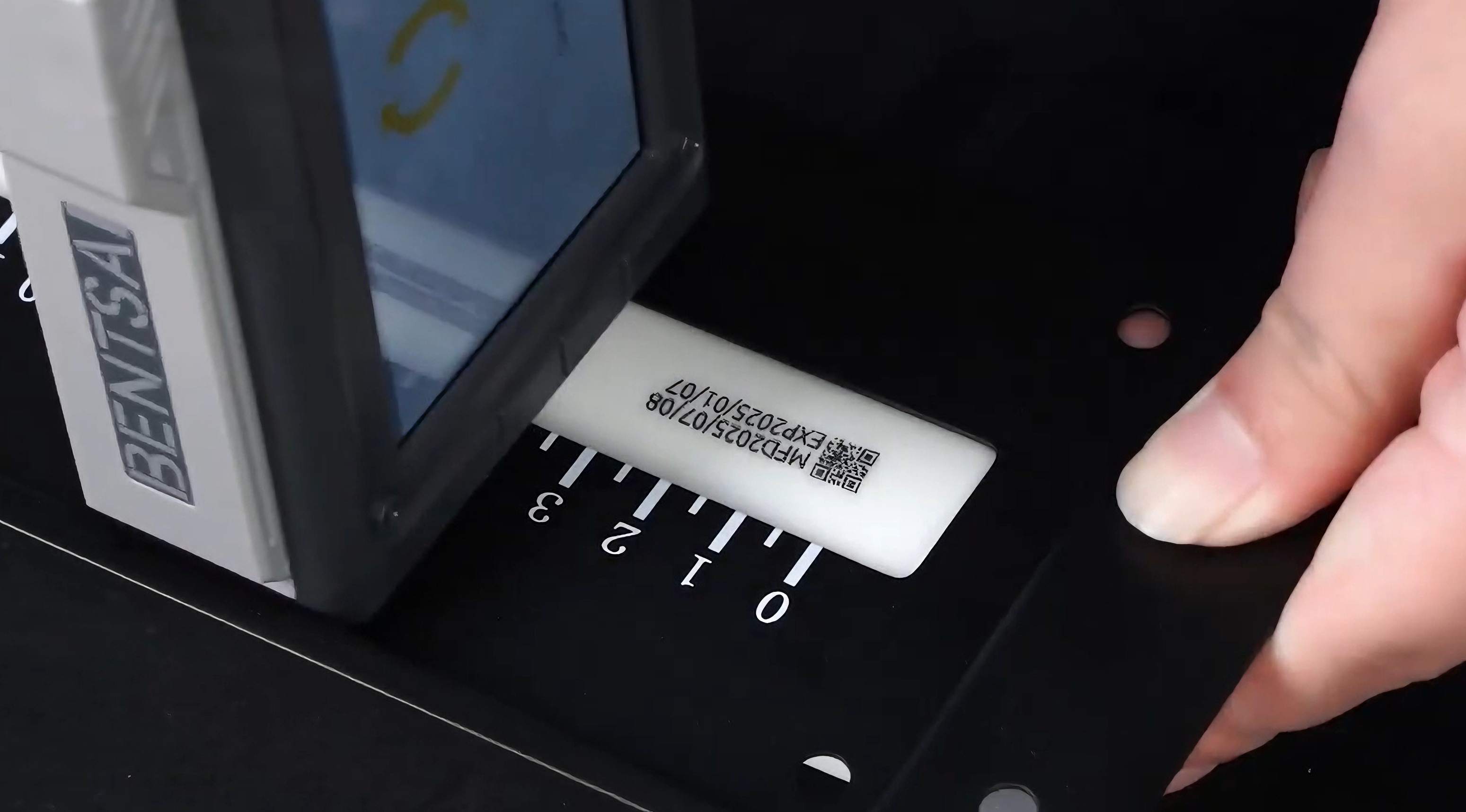
Step-by-Step Guide: Mobile Labeling and Coding for Small Warehouses
Step 1: Assess Substrates & Select Compatible Ink Formulation
Warehouse packaging is mostly corrugated cardboard. That's porous—use water-based ink. If you also handle plastic shrink wrap, poly mailers, or metal parts, you'll need solvent-based ink for those. Choose a printer that covers both, or keep two cartridge types on hand.
Step 2: Configure Hardware Mode (Handheld vs. Auxiliary Sensor)
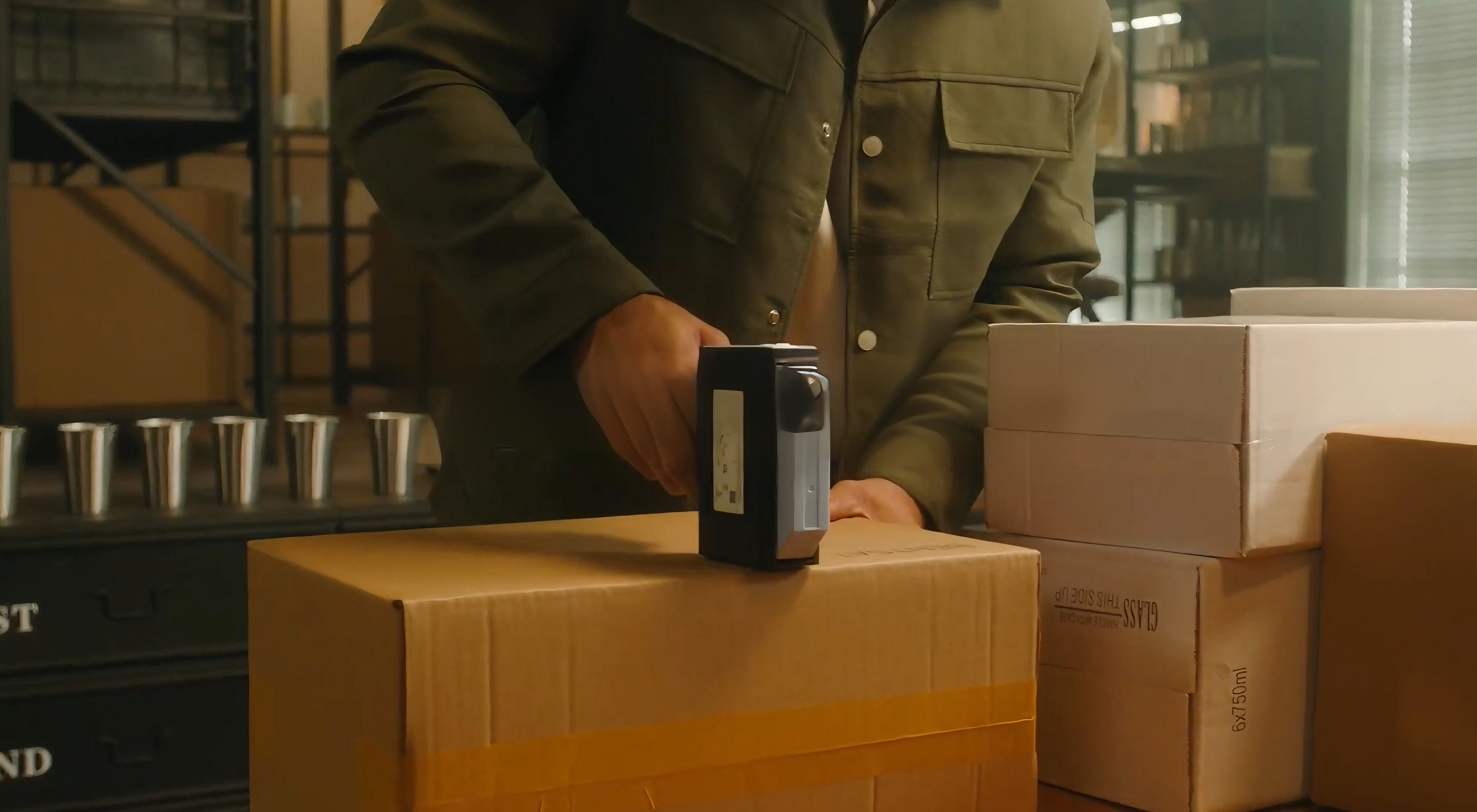
For small warehouses, handheld mode is usually enough. Walk to the box, print the code, move on.
If you have a conveyor or a packing station where boxes pass a fixed point, you can mount the printer on a bracket with a photoelectric sensor. The sensor triggers the print automatically as each box passes. This is optional—start handheld, add automation later if volume grows.
Step 3: Load Variable Data Files (CSV/TXT) & Design Message Templates
If you're printing the same code on every box, create a template and save it. If each box needs a unique serial number or batch code, load a CSV or TXT file via USB. The printer reads the file and prints a different code for each item without stopping.
Step 4: Calibrate Print Settings & Execute Barcode Printing
Set the resolution. For text and dates, 300 DPI is fine. For barcodes and QR codes, 600 DPI is safer—especially if the code will be scanned by a warehouse management system.
Position the printhead 2–5mm from the cardboard. Slide steadily. Check the first barcode with a scanner before printing the rest.
Step 5: Verify Barcode Scannability & Maintain Printheads
Scan the first barcode immediately. If it doesn't scan on the first try, adjust resolution, print speed, or distance from the surface.
After printing, remove the cartridge and cap it if you're done for the day. This prevents the nozzle from clogging—the most common cause of print quality problems.
Choosing the Right Handheld Printer
| Specification | B35 | B85 |
| Print Height | Up to 25.4mm (1 inch) | Up to 92mm (3.6 inches) |
| Resolution | 300 DPI | 300 DPI |
| Ink Type | Water-based & Solvent | Water-based & Solvent |
| Weight | 460g | 1.24kg |
| Battery | 8 hours | 10+ hours |
| Best For | Market stalls, small warehouse coding, mixed packaging | Large boxes, pallets, high-visibility codes |
For most farmer's market and small warehouse applications, the B35 is the practical choice. It's light enough to carry all day, supports both ink types, and prints up to 1 inch—enough for dates, lot codes, and small barcodes.
If you're marking large pallets or need codes readable from a distance, the Bentsai B85 offers 4-inch print height and 10+ hours of battery life.
Frequently Asked Questions
Q1: What lot code information is required on farm packaging under FSMA 204?
Under FSMA 204, you must assign a Traceability Lot Code (TLC) when you initially pack a food on the Food Traceability List. The TLC must be linked to Key Data Elements including where the food was packed, the date, and the supplier or recipient. The FDA does not mandate a specific label format, but the TLC must be on the product or its packaging and traceable through your records. A handheld printer lets you print the TLC directly on the package at the point of packing.
Q2: What is the difference between water-based and solvent ink for handheld printers?
Water-based ink is for porous surfaces like cardboard, paper, and wood. It soaks in and dries fast, with low odor. It won't work on plastic or glass.
Solvent-based ink is for non-porous surfaces like plastic clamshells, glass, and metal. It bonds to the surface and dries in seconds. It resists moisture and smudging but has a stronger smell. If you're printing on both porous and non-porous materials, you need a printer that accepts both cartridge types—or two printers.
About the Author

Matty Chen is an Inkjet Application Engineer and BENTSAI Inkjet Printing Technology Consultant. He specializes in industrial inkjet printing technologies, with a focus on handheld printers, thermal inkjet systems, and coding solutions. His work explores ink performance, material compatibility, and practical printing applications for businesses across manufacturing, packaging, and product customization industries.
Ask Question
No questions and answers

